Gaming Monitors
Compare gaming monitor prices in the UAE. Choose the KGaming Vision Forge 32-inch 4K 160Hz for sharp, fast gaming and design work, or the KGaming NEO 22-inch 120Hz for a budget second screen – both with HDMI 2.1 and Cash on Delivery.
Showing all 10 results
-
 BenQ
BenQ MOBIUZ EX2710Q 27-inch QHD 165Hz IPS Gaming Monitor
AED 1,640.00 Add to cart -
 BenQ
BenQ MOBIUZ EX2710U 27-inch 4K 144Hz IPS Gaming Monitor – HDMI 2.1
AED 2,845.00 Add to cart -
 BenQ
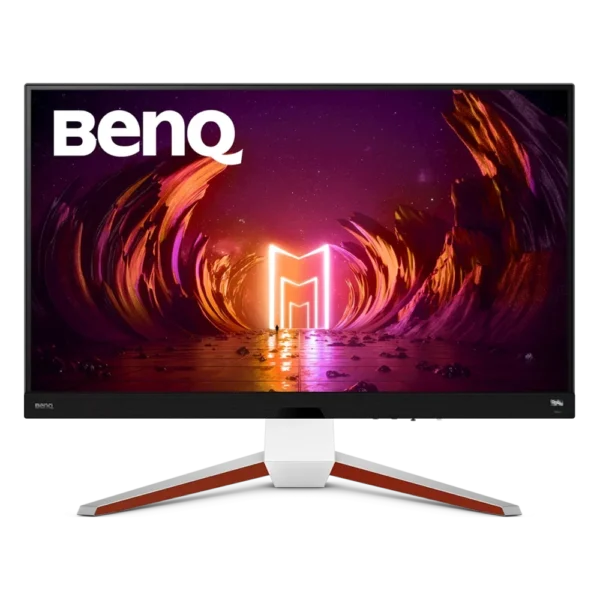
BenQ MOBIUZ EX3210U 32-inch 4K 144Hz IPS Gaming Monitor – HDMI 2.1
AED 3,725.00 Add to cart -
 BenQ
BenQ ZOWIE XL2540K 24.5-inch 240Hz TN Esports Gaming Monitor
AED 1,470.00 Add to cart -
 BenQ
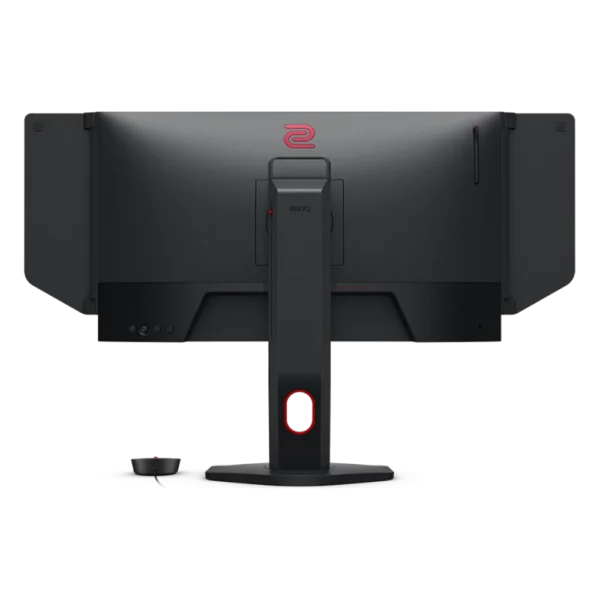
BenQ ZOWIE XL2546K 24.5-inch 240Hz DyAc+ Esports Gaming Monitor
AED 1,720.00 Add to cart -
 BenQ
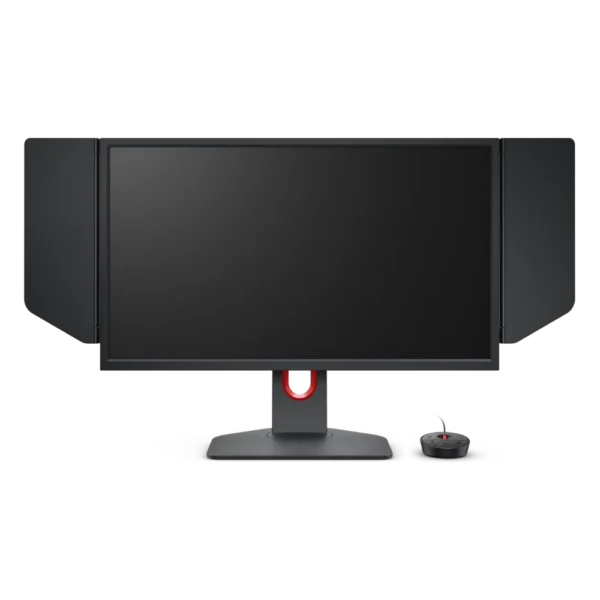
BenQ ZOWIE XL2566K 24.5-inch 360Hz DyAc+ Esports Gaming Monitor
AED 2,480.00 Add to cart -
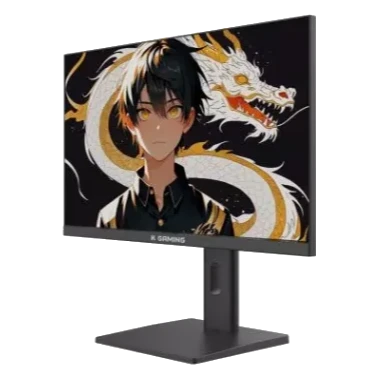 KGaming
 KG25DHI-280 24.5-inch 280Hz FHD Fast IPS Gaming Monitor
AED 899.00 Add to cart -
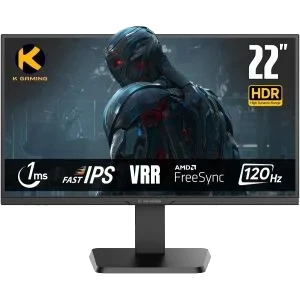 KGaming
 NEO 22-inch Full HD 120Hz IPS Gaming Monitor – HDMI 2.1 & DP 1.4
AED 373.75 Add to cart -
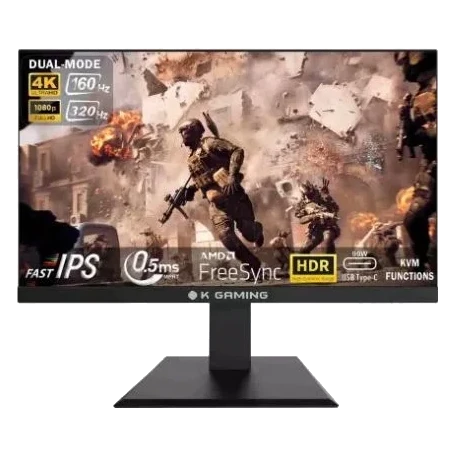 KGaming
 Vision Forge V1 27-inch 4K 160Hz / FHD 320Hz Dual Mode Gaming Monitor
AED 1,229.00 Add to cart -
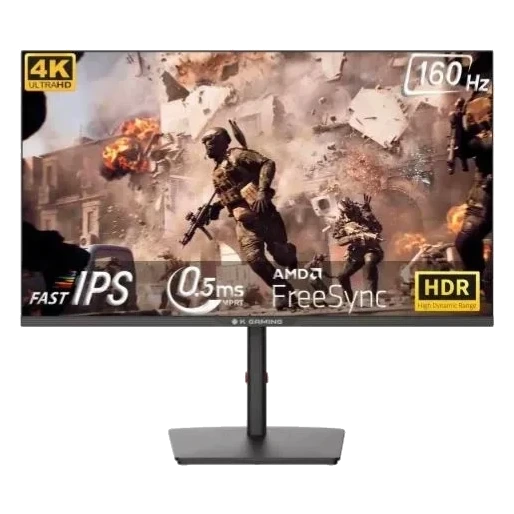 KGaming
 Vision Forge V1 32-inch 4K 160Hz Gaming Monitor – Fast IPS, HDMI 2.1
AED 1,230.00 Add to cart
How to choose a gaming monitor
A monitor is the part of your setup you look at all day, so it is worth choosing carefully. The three most important specs are resolution, refresh rate and panel type, followed by the ports you need for your PC or console.
Resolution and size
A 22 to 24-inch screen works well at Full HD (1920×1080). At 27 inches and above, higher resolution keeps text and images sharp – a 32-inch monitor is best at 4K (3840×2160). The KGaming Vision Forge V1 combines 32 inches with 4K, giving lots of space for spreadsheets, timelines and side-by-side windows.
Refresh rate
Refresh rate (Hz) is how many times a second the image updates. 60 Hz is fine for office work, while 120 to 165 Hz makes games and even scrolling look noticeably smoother. The Vision Forge runs at up to 160 Hz and the KGaming NEO 22 at 120 Hz.
Panel and ports
IPS panels give accurate colours and wide viewing angles, which suits both gaming and creative work. HDMI 2.1 lets a PS5 or Xbox Series X run 4K at 120 Hz, and DisplayPort is the best choice for gaming PCs.
Monitor comparison
| Model | Size / resolution | Refresh rate | Best for |
|---|---|---|---|
| KGaming Vision Forge V1 | 32" 4K UHD | 160 Hz | PS5, PC gaming, design |
| KGaming NEO 22 | 22" Full HD | 120 Hz | Budget gaming, second screen |
Setup tips
- Use a certified HDMI 2.1 cable to unlock 4K 120 Hz on consoles.
- Enable the high refresh rate in Windows display settings or on your console – it is not always on by default.
- Position the top of the screen at eye level to reduce neck strain.
Complete your setup with a 4K webcam, a gaming headset and a gaming mouse. See all KGaming products.
New KGaming monitors
- KGaming KG25DHI-280 24.5" 280Hz – an esports monitor with Fast IPS, HDMI 2.1 and 65 W USB-C (AED 899).
- KGaming Vision Forge V1 27" dual mode – 4K at 160Hz or Full HD at 320Hz (AED 1,229).
Frequently asked questions
What is a good refresh rate for a gaming monitor?
120 Hz to 165 Hz is the sweet spot for most gamers. The KGaming Vision Forge V1 offers 4K at up to 160 Hz and the KGaming NEO 22 offers Full HD at 120 Hz.
Is a 4K monitor good for PS5?
Yes. A 4K monitor with HDMI 2.1, such as the KGaming Vision Forge V1 32-inch, lets the PS5 run supported games at 4K up to 120 Hz.
What size monitor should I buy?
For a small desk or a second screen, 22–24 inches is enough. For gaming and multitasking at 4K, 32 inches gives the best balance of size and sharpness.
How much is a gaming monitor in the UAE?
At Yakaram gaming monitors start at AED 373.75 for the KGaming NEO 22 and AED 1,150.75 for the 32-inch 4K 160Hz Vision Forge V1.
Is delivery free for monitors?
Yes, orders over AED 400 get free delivery anywhere in the UAE, so the Vision Forge ships free. You pay by Cash on Delivery.