Webcams
Look sharp on every call with a 4K webcam. The Logitech MX Brio is Logitech's most advanced webcam, with Ultra HD video, AI-enhanced lighting and dual noise-reducing mics – available in the UAE with free delivery and Cash on Delivery.
Showing all 6 results
-
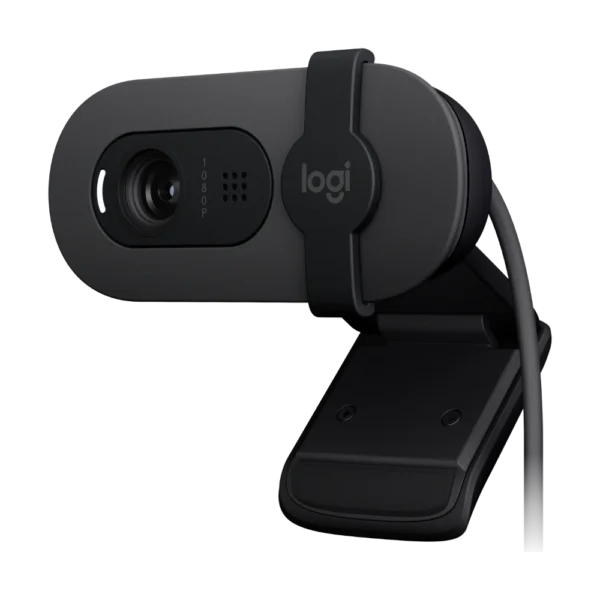 Logitech
 Brio 105 Business Webcam – 1080p, Privacy Shutter
Price on WhatsApp Ask price on WhatsApp -
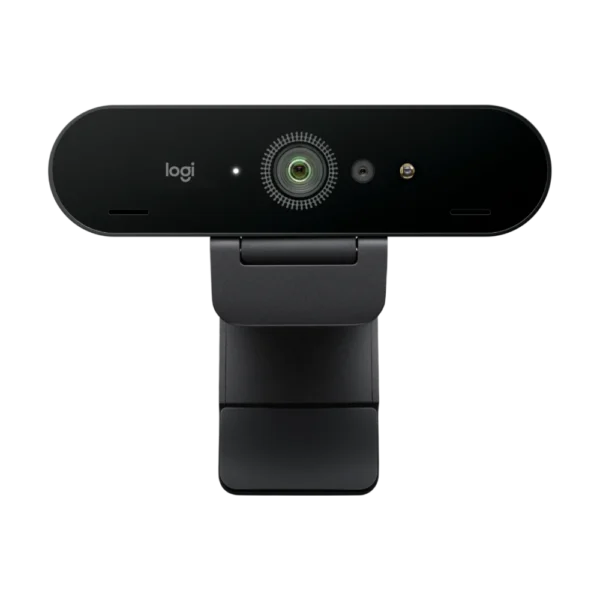 Logitech
 BRIO 4K Ultra HD Webcam – HDR, 5× Zoom, Windows Hello
Price on WhatsApp Ask price on WhatsApp -
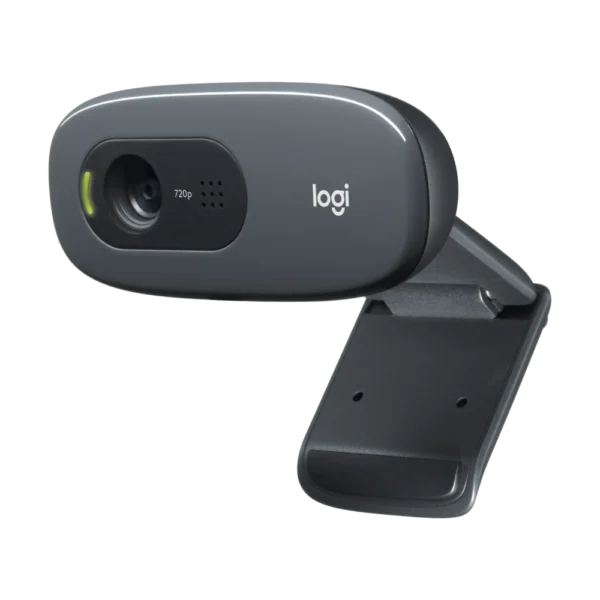 Logitech
 C270 HD Webcam – 720p, Built-in Mic, Light Correction
Price on WhatsApp Ask price on WhatsApp -
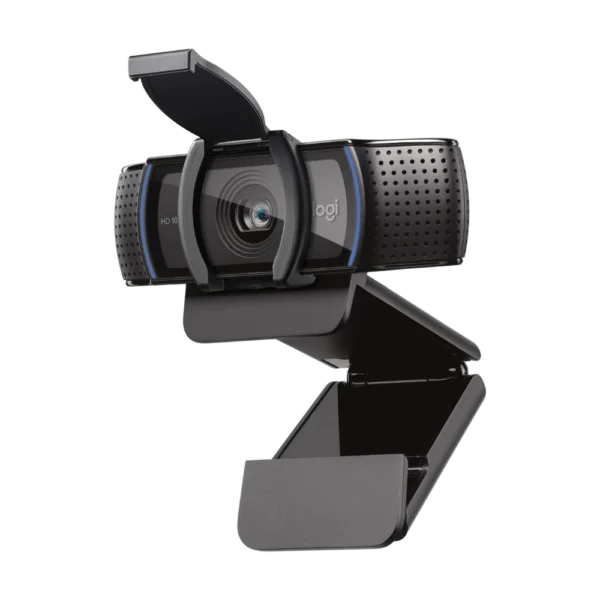 Logitech
 C920 Pro HD Stream Webcam – 1080p, Stereo Mics, Autofocus
Price on WhatsApp Ask price on WhatsApp -
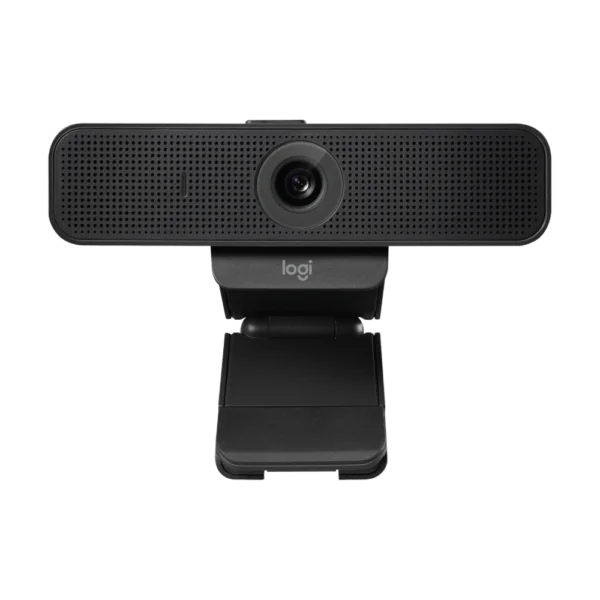 Logitech
 C925e Business Webcam – 1080p, Privacy Shutter, Dual Mics
Price on WhatsApp Ask price on WhatsApp -
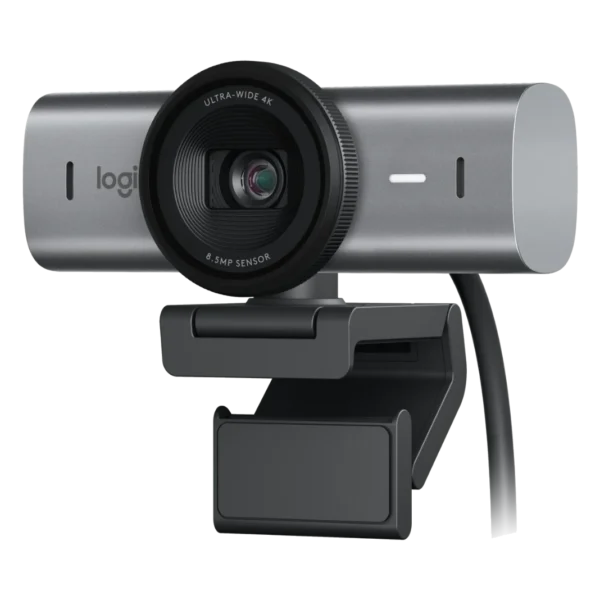 Logitech
 MX Brio 4K Ultra HD Webcam – Graphite
AED 460.00 Add to cart
Why upgrade from your laptop webcam?
Most built-in laptop cameras are 720p and struggle in dim rooms. A dedicated webcam gives sharper detail, better colours and clearer audio, so you look professional in meetings, interviews, online classes and live streams.
Logitech MX Brio 4K
The Logitech MX Brio records up to 4K Ultra HD and uses a large sensor with AI-powered image enhancement that adjusts exposure and colour automatically, even when you sit with a window behind you. Two beamforming microphones focus on your voice, a built-in privacy shutter covers the lens, and the mount fits monitors, laptops and tripods. It works with Microsoft Teams, Zoom, Google Meet and OBS, and can be fine-tuned in Logi Options+.
What to look for in a webcam
| Feature | Why it matters |
|---|---|
| Resolution (1080p / 4K) | Sharper image and room to crop or zoom |
| Low-light correction | Clear picture in offices and bedrooms with poor lighting |
| Built-in microphones | Clear voice without a separate headset |
| Privacy shutter | Physically blocks the lens when not in use |
| Mount and connection | Easy USB-C plug-in and stable placement |
Tips for better video calls
- Place the webcam at eye level on top of your monitor.
- Face a window or a soft light source rather than having it behind you.
- Use a headset with mic in noisy rooms for the clearest audio.
- Mount it on a large screen such as our 32-inch 4K monitor for a clean desk setup.
Browse more Logitech accessories, including the MX Master mice and MX keyboards.
Frequently asked questions
Is the Logitech MX Brio worth it?
Yes, if you are on video calls daily or stream. It records in 4K, handles low light and backlighting well, and includes dual mics and a privacy shutter.
Does the MX Brio work with Mac and Windows?
Yes. It is plug-and-play over USB-C with Windows, macOS and ChromeOS and works with Teams, Zoom, Google Meet and OBS.
Do I need 4K for video calls?
Most meeting apps stream at 1080p, but a 4K sensor gives a sharper image, better zoom and framing, and higher quality recordings.
How much is the Logitech MX Brio in the UAE?
The Logitech MX Brio 4K webcam costs AED 454.75 at Yakaram with free delivery across the UAE and Cash on Delivery.
Does the webcam have a microphone?
Yes. The MX Brio has two beamforming microphones that reduce background noise.