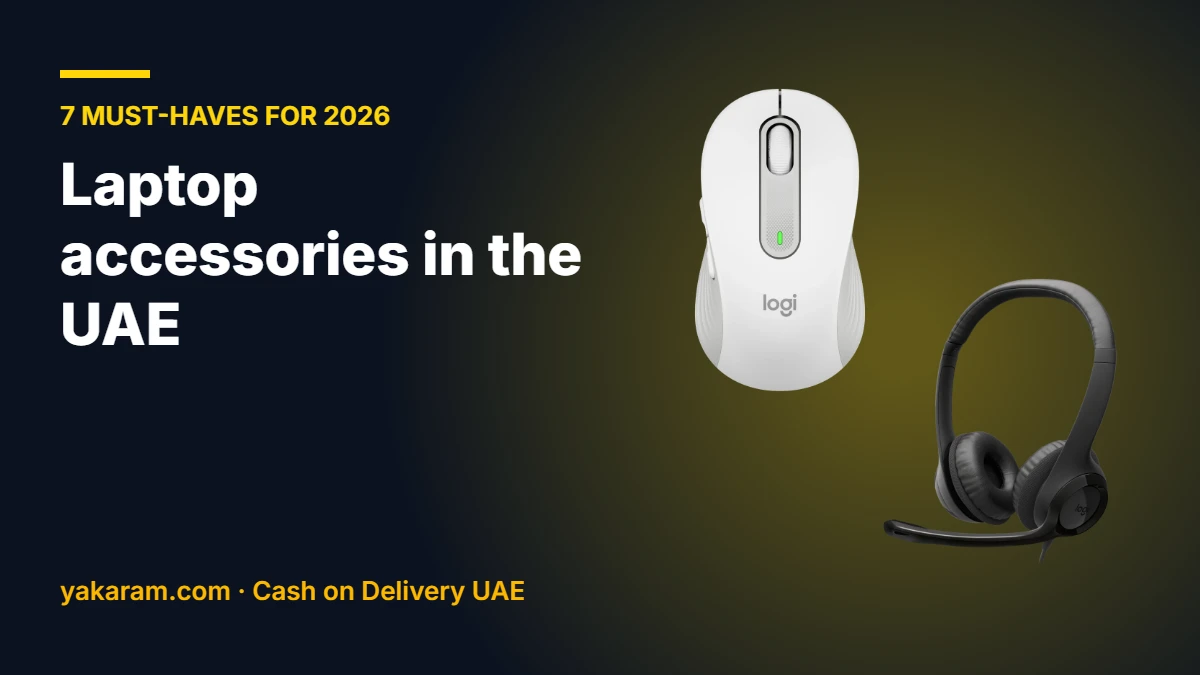
Quick answer: The essential laptop accessories in the UAE are a wireless mouse, a keyboard or keyboard-mouse combo, a headset with a noise-cancelling mic, a 1080p webcam, a padded laptop bag and the right HDMI cable or USB-C adapter. Together they turn any laptop into a comfortable workstation for office work, online study and travel across the Emirates.
Key takeaways
- Start with the accessories you use every hour: mouse, keyboard and headset.
- Check your laptop’s ports first – many new laptops only have USB-C, so Bluetooth accessories or a USB-C adapter save hassle.
- For Teams and Zoom, a headset with a noise-cancelling microphone matters more than an expensive webcam.
- Pick a laptop bag one size larger than your screen and with a padded compartment.
- Buy genuine brands (Logitech, Dell, HP, Lenovo, JBL) with a local return policy.
Laptop accessories checklist (2026)
| Accessory | Why you need it | Good choices |
|---|---|---|
| Wireless mouse | Faster, more comfortable than a touchpad | Logitech M185, M720 Triathlon, MX Master 4 |
| Keyboard / combo | Full-size typing and a number pad | Logitech K120, K250, MK220 |
| Headset | Clear voice on calls, private listening | Logitech H390, Zone 305, Dell WH125 |
| Webcam | Sharper video than a built-in camera | Logitech Brio 105, C920 |
| Laptop bag | Protection on the metro, in the car and at the airport | Dell, HP, Lenovo and Alienware bags |
| Cables & adapters | Connect a monitor, TV or wired internet | HDMI 2.1, CAT-8 and USB adapters |
| Speakers | Better sound than laptop speakers | Logitech Z150 |
1. A wireless mouse
Which mouse should you buy?
For everyday use, the Logitech M185 is a reliable plug-and-play mouse with a 12-month battery. If your laptop has only USB-C ports, choose a Bluetooth model like the M196 or the quiet M240 Silent. Work across a laptop and a desktop? The M720 Triathlon switches between three devices, and the Signature M650 adds SmartWheel scrolling and silent clicks.
- Bluetooth if your laptop is USB-C only
- Silent clicks for shared rooms
- Tiny travel mice for all-day work
- Unbranded mice with weak receivers
2. A keyboard or keyboard-mouse combo
Typing comfort for long days
Using a laptop on a stand with an external keyboard keeps the screen at eye level and your wrists relaxed. The Logitech K120 is a durable, spill-resistant USB keyboard; the K250 is its full-size Bluetooth cousin. Combos like the MK220, MK330 and MK270 give you a keyboard and mouse on one receiver. Need Arabic and English keys? Read our Arabic keyboard guide.
3. A headset (and speakers)
Sound clear on every call
Laptop microphones pick up keyboard noise, traffic and the AC. A USB headset like the Logitech H390 or Dell WH125 is plug-and-play; wireless options like the Logitech Zone 305 and Dell Pro WL3024 work with Teams, Zoom and your phone. For noisy open offices, the Dell WH5024 adds active noise cancelling. For music at your desk, add compact Logitech Z150 speakers.
4. A 1080p webcam
Built-in laptop cameras are often 720p and struggle with Dubai’s bright windows. An external webcam such as the Logitech Brio 105 or C920 Pro HD gives sharper 1080p video at eye level. See our webcam buying guide for a full comparison.
5. A padded laptop bag or backpack
Choose a bag that fits your laptop size (14″, 15.6″ or 17″), has a padded compartment and space for a charger, mouse and headset. Dell, HP, Lenovo and Alienware backpacks are designed around their own laptops but fit most brands. Browse laptop bags.
6. Cables, adapters and a second screen
Connecting your laptop to a monitor or TV is the biggest productivity upgrade of all. Check whether your laptop has HDMI or only USB-C, then pick an HDMI cable or USB-C adapter. For long runs to a TV or projector, a fibre HDMI 2.1 cable keeps the signal stable. A monitor completes the setup.
Ready-made laptop setups
| Setup | Accessories |
|---|---|
| Student | Logitech M185 + K120 + H390 + C270 + laptop backpack |
| Home office | Logitech M720 or Signature M650 + MK330 or K250 + Brio 105 + Zone 305 |
| Corporate / hybrid | MX Master 4 + Dell KM7120W + C925e + Dell WL3024 or WL5024 |
| Gaming on a laptop | Logitech G502 HERO or PRO X Superlight 2 DEX + G PRO X 2 headset + mouse pad |
Our verdict
If you buy only three laptop accessories, make them a comfortable wireless mouse, a headset with a good microphone and a padded bag. Add a keyboard, webcam and an HDMI cable or adapter when you start working from a desk. Everything in this guide is available at YaKaram – computer accessories in the UAE, with Cash on Delivery across all seven emirates.
FAQ
What are the most important laptop accessories?
A wireless mouse, a keyboard or keyboard-mouse combo, a headset with a noise-cancelling mic, a webcam, a laptop bag and an HDMI cable or USB-C adapter.
Where can I buy laptop accessories in Dubai?
YaKaram sells laptop and computer accessories online with delivery across Dubai and the UAE, and from our shop in Aweer, Ras Al Khor Industrial Area 2 (Mon–Sat, 9 am–5 pm).
Should I choose Bluetooth or a USB receiver?
Bluetooth keeps your USB ports free and suits MacBooks and USB-C laptops. A USB receiver is plug-and-play and often a little more stable. Some mice, like the Logitech M720 and Signature M650, offer both.
Which headset is best for Teams calls on a laptop?
The Logitech H390 is a simple USB choice; the Logitech Zone 305 and Dell Pro WL3024 are wireless and work with Teams and Zoom.
Do Logitech accessories work with MacBook?
Yes. Most Logitech mice, keyboards, webcams and headsets work with macOS; Bluetooth models are the easiest for USB-C-only MacBooks.
Can I pay cash on delivery for laptop accessories in the UAE?
Yes. At YaKaram you can pay Cash on Delivery in all seven emirates. For new arrivals marked “Price on WhatsApp”, message us for today’s price and stock.
Shop laptop accessories in the UAE
Mice, keyboards, headsets, webcams, laptop bags and cables from Logitech, Dell, HP, Lenovo and JBL – genuine stock and Cash on Delivery.